Pan-Territorial Summit on French-Language Learning in the North (in French)
The future of learning in French in the North is built with you.
Free
Studying or working in the North also means learning how to make the most of your time and resources. At Collège Nordique, we rely on simple, accessible digital tools that help plan, collaborate, and learn more effectively. Used and appreciated by the Collège Nordique team, these five essentials can support success—whether in training or at work.
For efficient collaboration
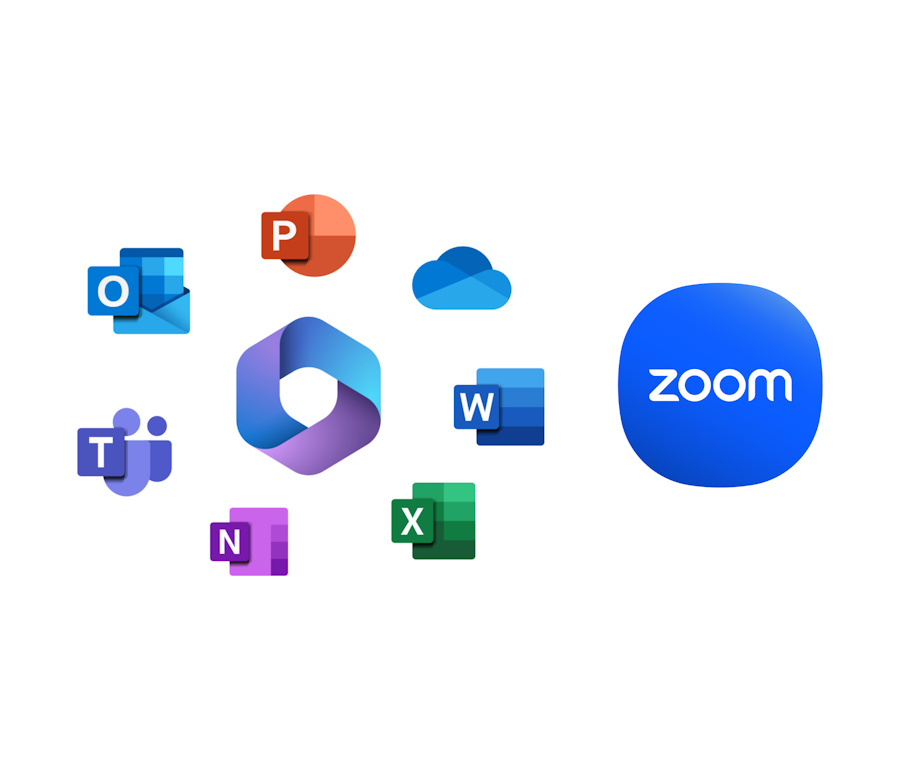
Teams is at the heart of our organization. This tool allows real-time communication, file sharing, calendar tracking, and online meetings. The Office suite (Word, Excel, PowerPoint, etc.) completes this environment for document creation and management. For online courses, we also use Zoom, a reliable platform that makes it easy for learners to access training, no matter where they are.
Across such a vast territory, connectivity, meaning the ability for learners to stay connected, informed, and supported despite the distance, is essential. These tools help build a sense of belonging within a learning community spread across great distances. The availability and virtual proximity of teaching staff also play a key role in ensuring every learner feels supported and confident.
To organize tasks and projects
With Asana, it’s easy to structure your work and visualize project progress. You can create timelines, assign responsibilities, and collaborate remotely. This tool is particularly useful for group work or personal study planning.
In a context where priorities shift quickly, Asana helps maintain a clear vision of one’s goals and stay motivated over the long term.

To boost creativity and structure ideas
These visual platforms make it possible to create workboards or mind maps. Whether for brainstorming a project, structuring a course, or connecting different ideas, Miro and Coggle offer great flexibility for organizing thoughts.
According to several studies, using mind maps can improve information retention by up to 32% (Nesbit & Adesope, Educational Psychology Review, 2006). These tools are especially helpful for learners who want to strengthen their understanding by connecting concepts visually and intuitively.

To create engaging presentations
Whether for a presentation, PowerPoint, or interactive content, Canva and Genially make it easy to design professional and visually appealing materials. These tools encourage creativity while remaining accessible, even for people without a design background. They’re perfect for making work more dynamic, illustrating complex ideas, or capturing an audience’s attention.

To learn differently
Quizlet is an app that helps with review through flashcards. Users can create their own cards or use those shared by others. This tool helps reinforce learning—whether memorizing vocabulary, theoretical concepts, or formulas. Quizlet’s interactive approach makes studying more engaging and supports learners’ ability to consolidate knowledge over time.

At Collège Nordique, we believe that success also depends on the right tools. These digital platforms, simple and accessible, not only help with organization but also foster autonomy and efficiency. Adopted by our team, these five tools have become true allies for learning, collaborating, and thriving in the North.
Published on October 22nd 2025